Invoices, Billing, Unsubscribe
ZeroTier Central is available in two versions. Please follow the appropriate instructions based on which version you are using:
- New Central - The modern interface with enhanced features and improved user experience (central.zerotier.com)
- Legacy Central - The original interface (my.zerotier.com)
Not sure which version you're using? See How to Check Your Central Version.
- New Central
- Legacy Central
New Central Billing
Pricing
For pricing information about New Central, please visit the ZeroTier pricing page.
Accessing Billing Settings
- Log into New Central
- Access the correct Organization (for more information see the Organizations page)
- Click Subscription in the left sidebar
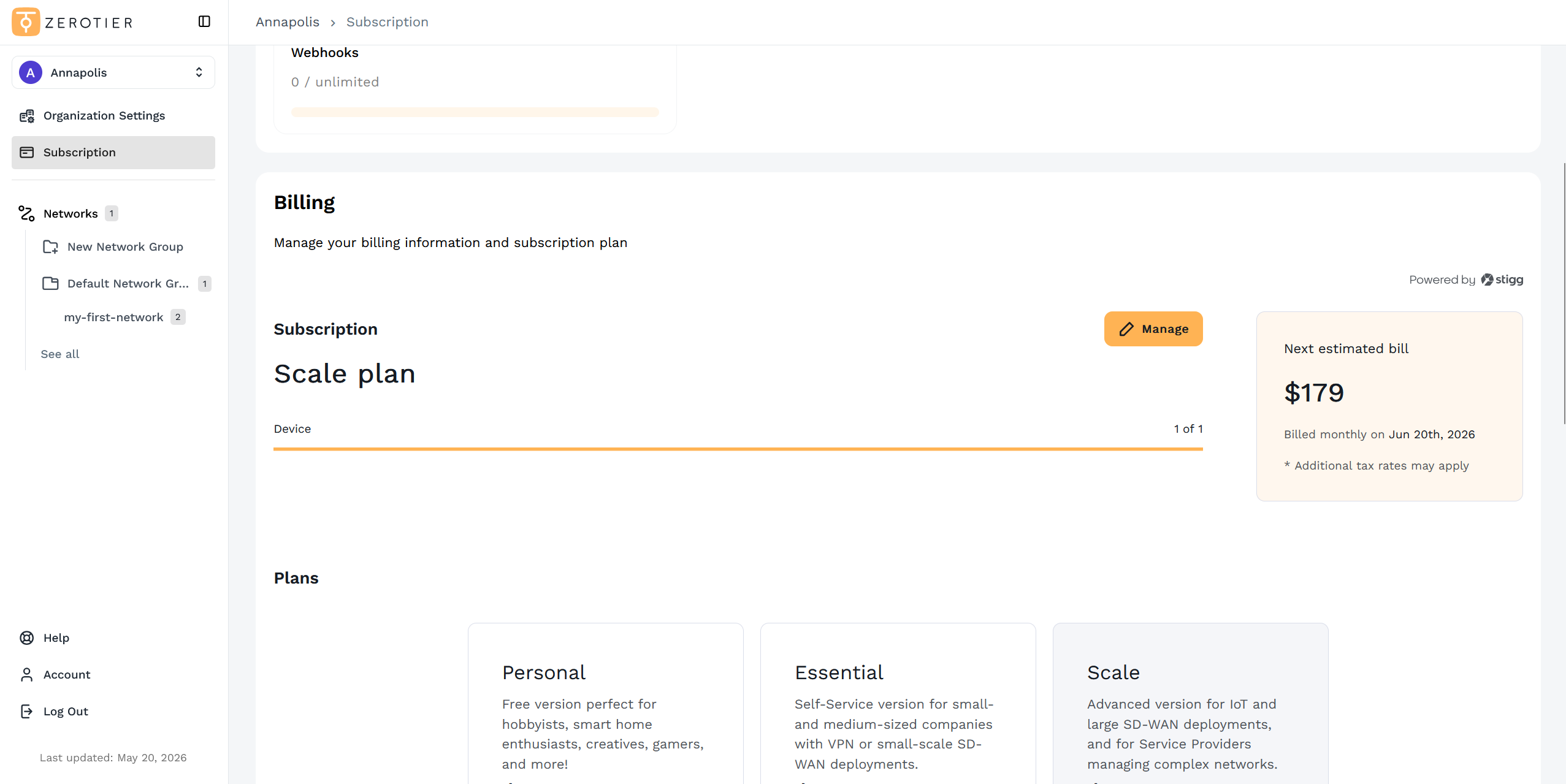
From the Subscription page, you can:
- View your current subscription plan and next estimated bill
- Manage your subscription
- Update payment details
- View invoice history
Viewing Invoices
To access your invoice history:
- Scroll to the Invoices section at the bottom of the Subscription page
- Click View invoice history
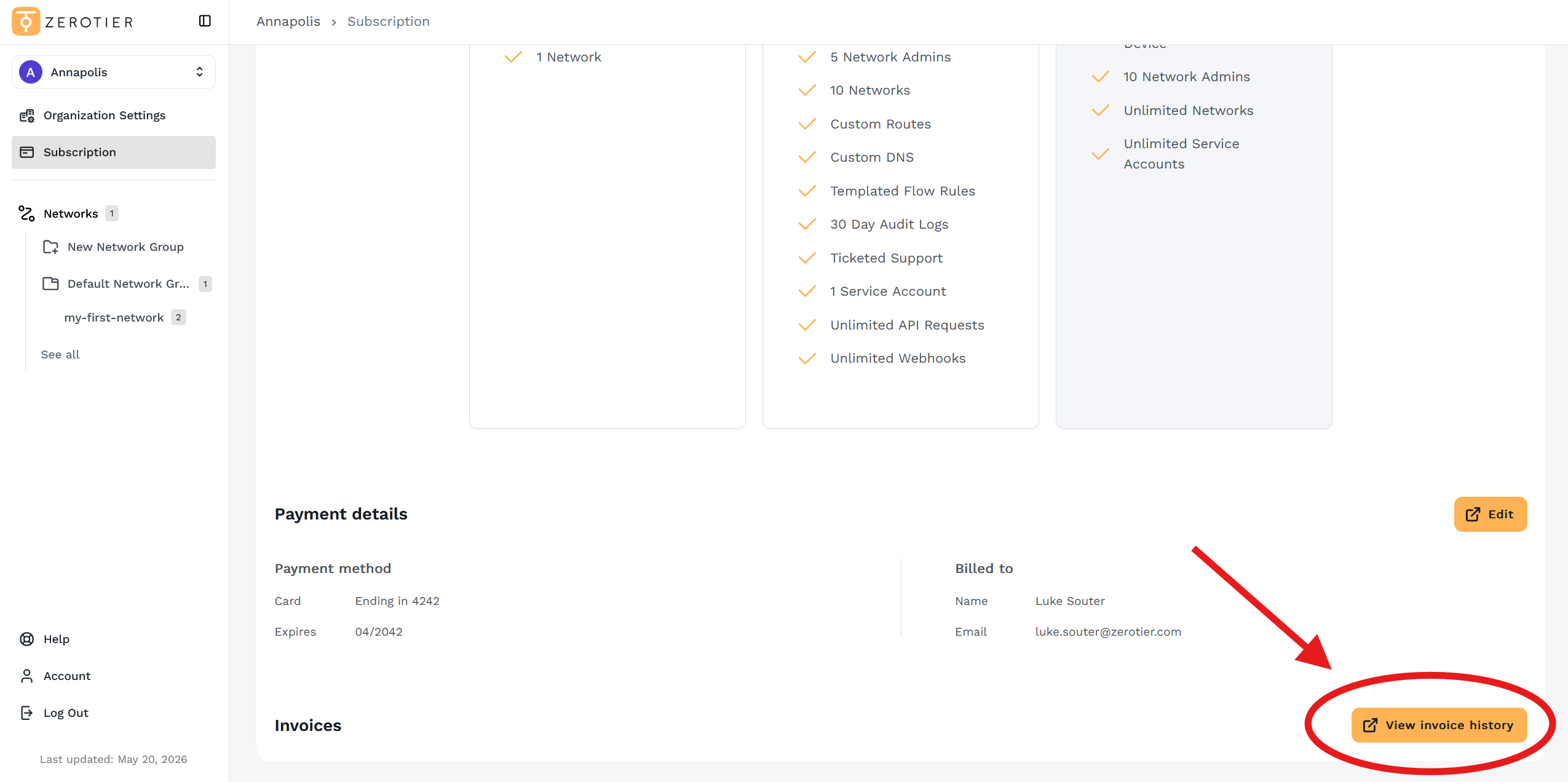
From here, you can view and download past invoices.
Updating Billing Information
To update your payment method or billing details:
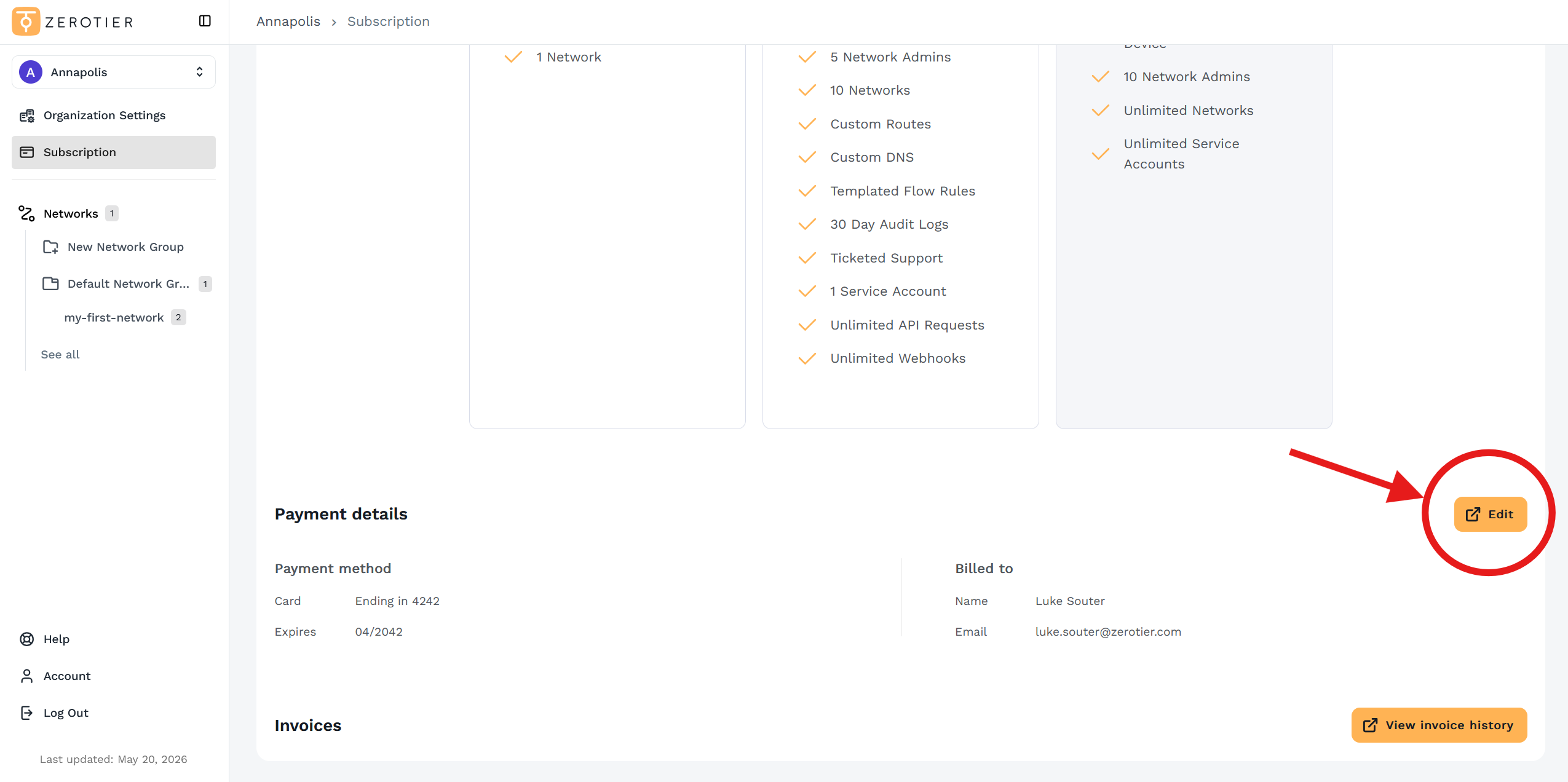
- Scroll to the Payment details section
- Click Edit to modify your payment information
I don't see billing options
Only the Organization owner can edit billing information. If you are not the owner, you will need to contact them to make billing changes.
My invoices don't show my Tax ID #
ZeroTier's US Tax ID is 47-3126707. We aren't incorporated outside of the US so we don't have a Tax ID for anywhere outside of the US. Our payment processor will not print your Tax ID on invoices for this reason.
If you need a Tax ID in order to purchase ZeroTier, consider reaching out to a local MSP to buy ZeroTier through them.
Deleting Your Organization
Deleting your Organization will permanently delete all attached networks and network groups!
Scroll down and select "Delete Organization", then follow the on-screen instructions.
Legacy Central Billing
Pricing
For pricing information about Legacy Central, please contact ZeroTier Support.
Accessing Billing Settings
- Go to your account page
- Click Manage Billing
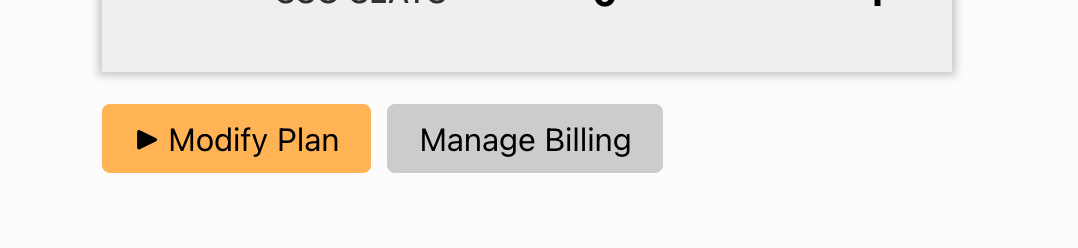
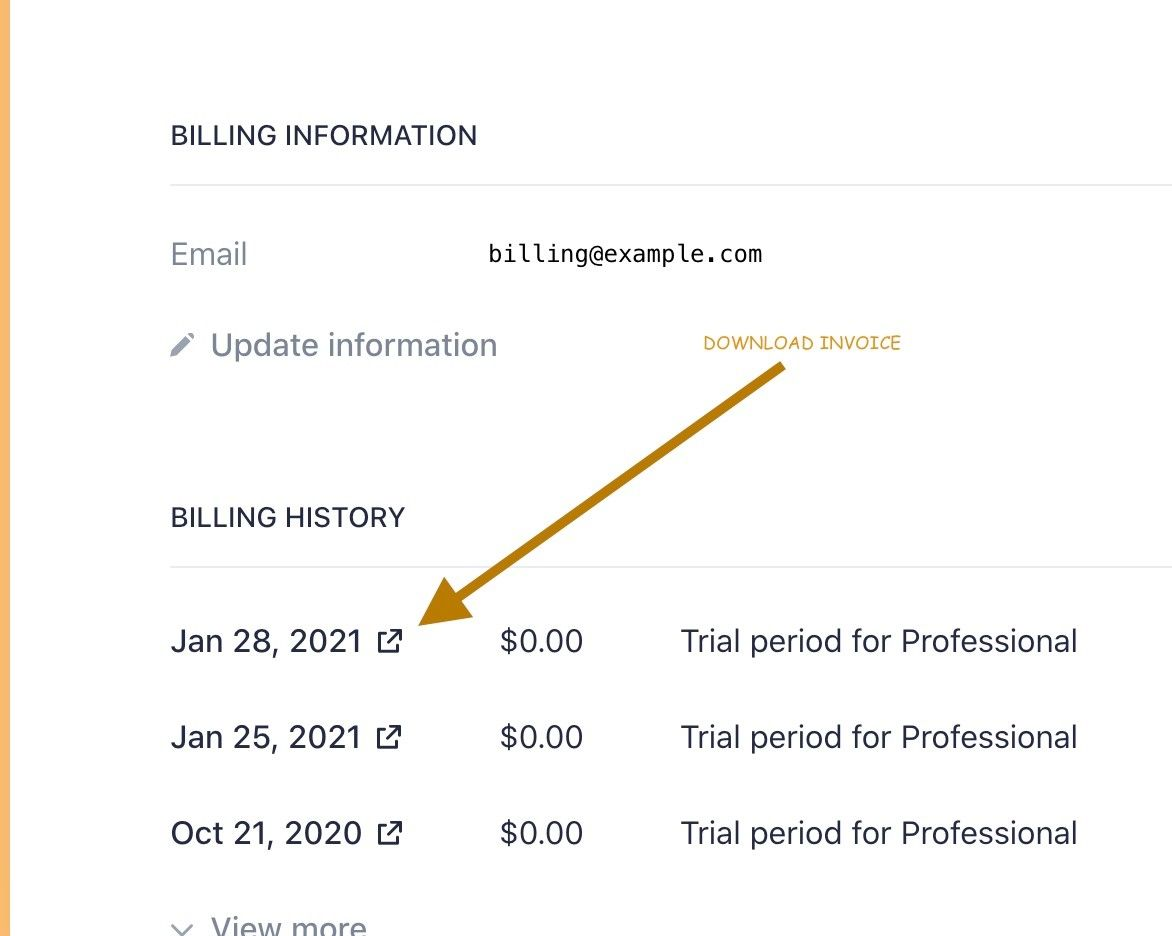
It will take you to this page where you can update information and download invoices:
I don't see a "Manage Billing" button
Only the Organization Owner can edit billing info. The account page will show who your Organization Owner is, if it is not you.
If the address is incorrect on your invoice
Please use the Update Information link. If possible, use Address Line 1 for your company name. And Line 2 for your address. If it doesn't fit please contact us.
After changing the address, use the download invoice link. If too much time has passed since the invoice was finalized, it won't be updated. Sorry.
My invoices don't show my Tax ID #
ZeroTier's US Tax ID is 47-3126707. We aren't incorporated outside of the US so we don't have a Tax ID for anywhere outside of the US. Our payment processor will not print your Tax ID on invoices for this reason.
If you need a Tax ID in order to purchase ZeroTier, consider reaching out to a local MSP to buy ZeroTier through them.
How to delete your whole account
Go to your account page and click on the "delete account" button.
This deletes everything about your account, in accordance with various privacy laws.