How do I find out who my Organization Owner is?
Central vs New Central
ZeroTier Central is available in two versions. Please follow the appropriate instructions based on which version you are using:
- New Central - The modern interface with enhanced features and improved user experience (central.zerotier.com)
- Legacy Central - The original interface (my.zerotier.com)
Not sure which version you're using? See How to Check Your Central Version.
- New Central
- Legacy Central
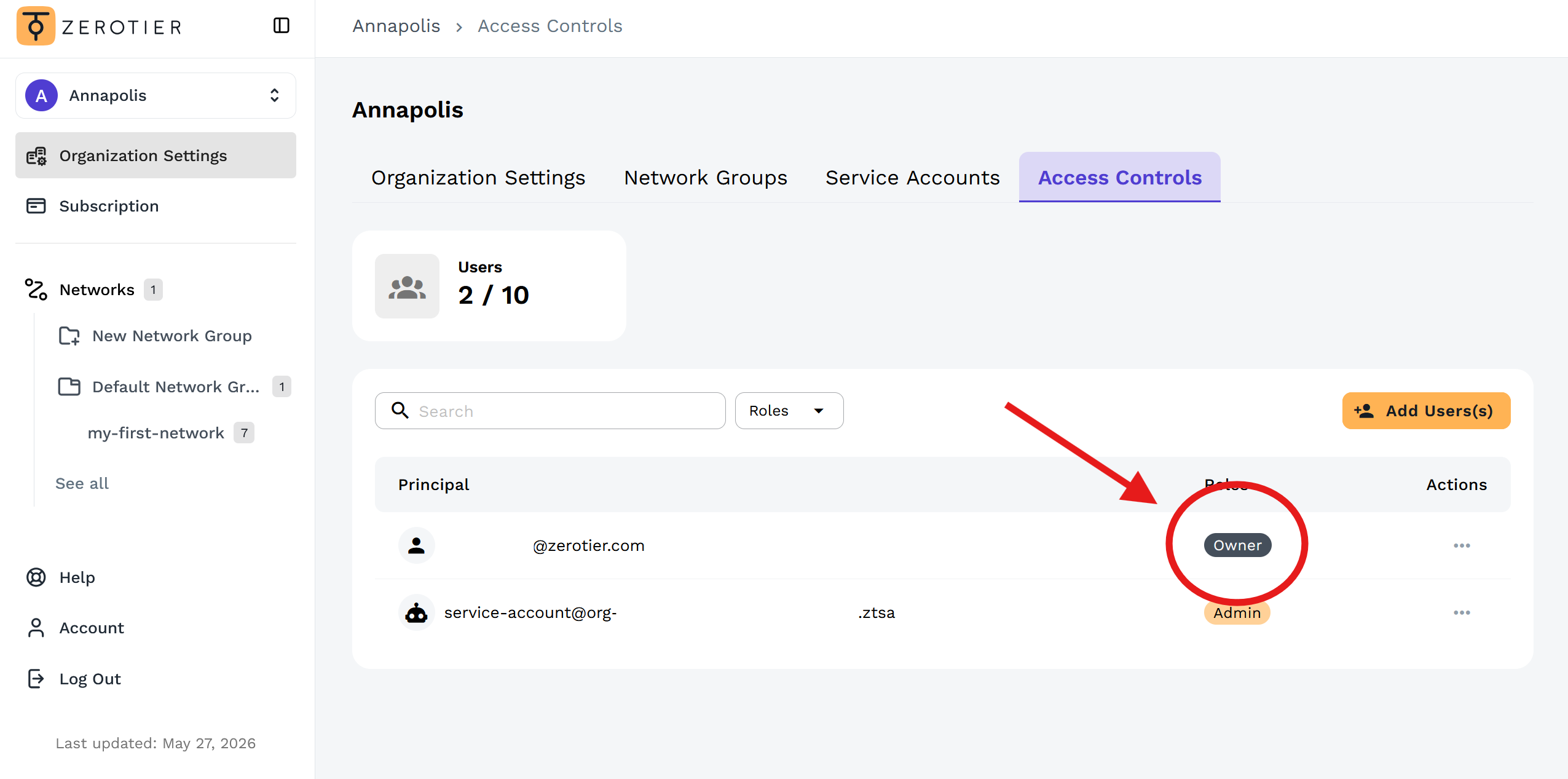
- Navigate to Organization Settings → Access Controls
- The principal with the Owner role is your organization owner
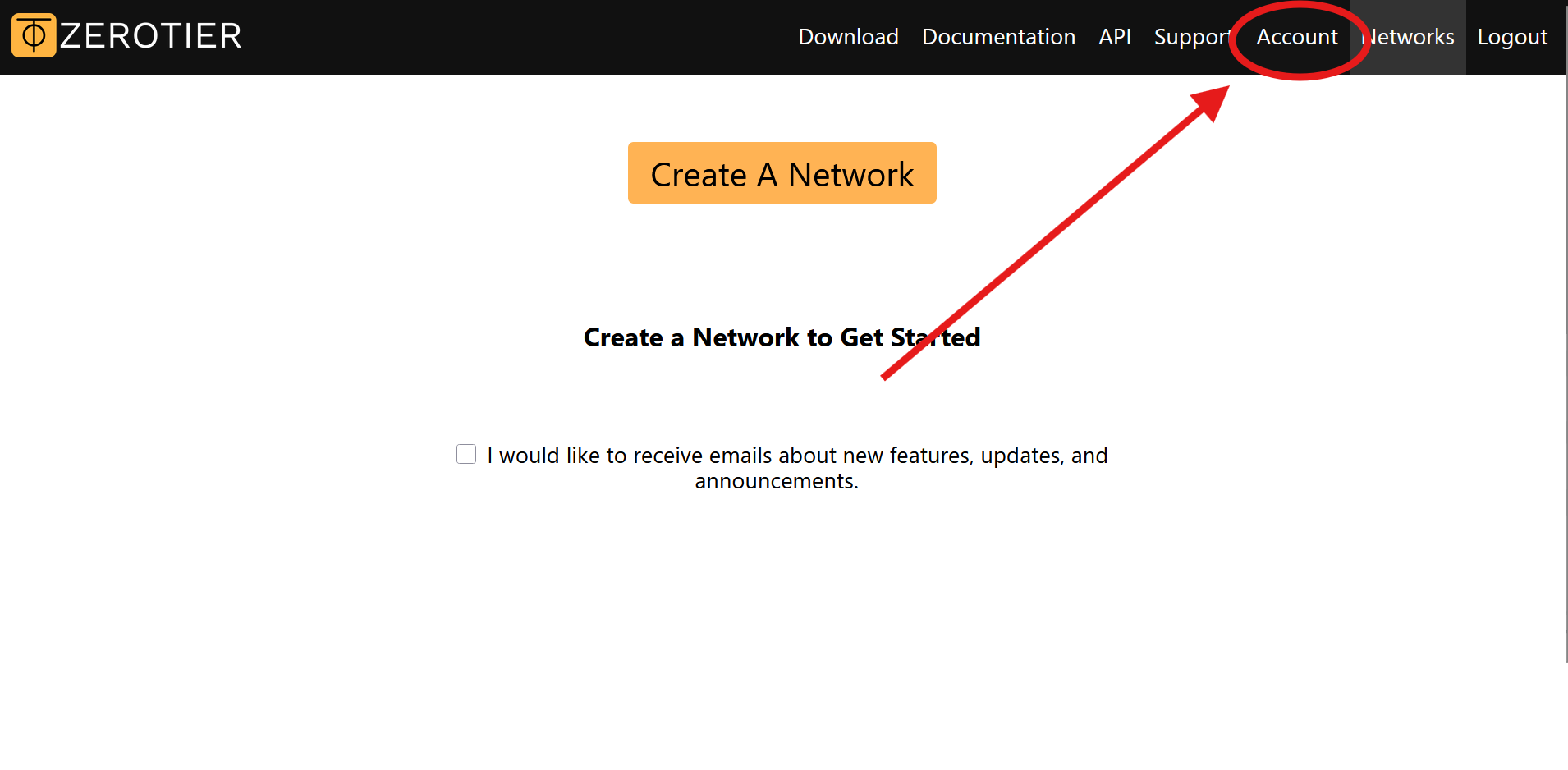
- Click Account in the top navigation
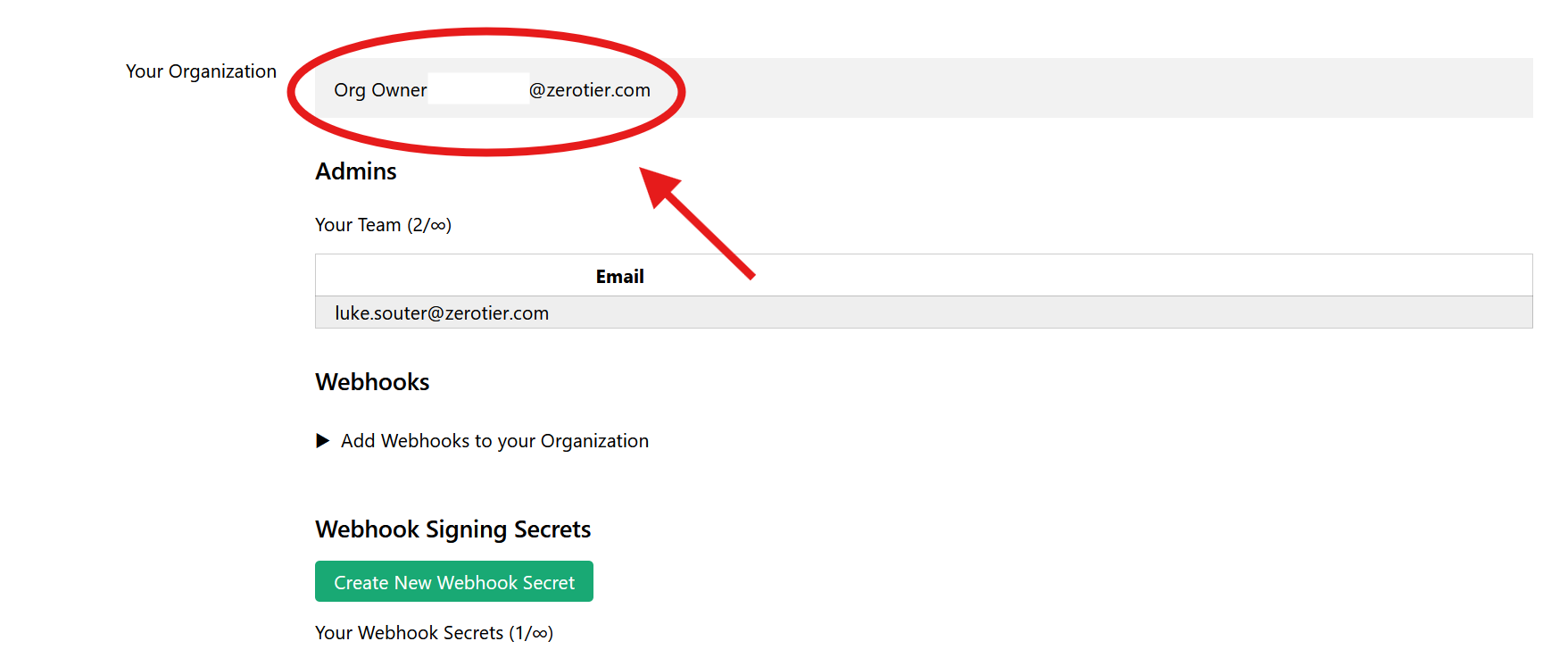
- Scroll down to the Your Organization section
- The Org Owner field shows the organization owner's email
Need to change the organization owner? See How do I change the Owner of my Organization?
Can't determine the owner or need help? Contact ZeroTier Support